

Quickstart
Get Resona set up and save your first article in under 5 minutes.Step 1: Create an Account
1
Sign up
Go to useresona.com and create your account with email or Google.
2
Verify your email
Check your inbox and click the verification link.
Step 2: Install the Browser Extension
- Chrome
- Firefox
- Safari
- Visit the Chrome Web Store
- Click Add to Chrome
- Pin the extension to your toolbar for easy access
Step 3: Save Your First Article
- Navigate to any article you want to save
- Click the Resona icon in your browser toolbar
- Watch the pulse animation — your article is being processed
Resona extracts the article content and generates summaries, key points, and tags automatically. This takes about 10-30 seconds.
Step 4: View Your Library
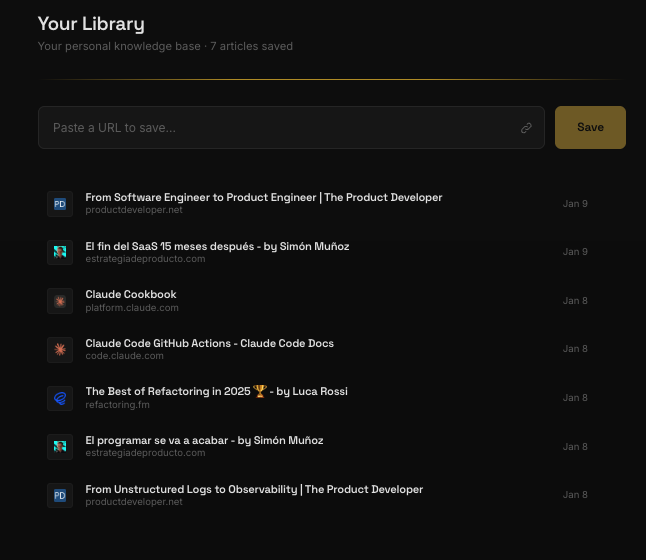
Go to app.useresona.com/library to see your saved articles with:- Summary — The core ideas in 2-3 paragraphs
- Key Points — Scannable takeaways
- Notable Quotes — Memorable lines worth remembering
- Auto-tags — Topics for easy filtering
What’s Next?
Weekly Digest
Learn about the AI-powered weekly summary
Ask Your Library
Chat with everything you’ve saved